Table of Contents
- Overview: Why Device Compatibility Matters for Modern Betting
- Core Device Types: Phones, Tablets, Desktops, and TVs
- Operating Systems and Minimum Specs for Sportsbetting Apps
- How Device Choice Changes Your Betting Experience
- Practical Compatibility Checks Before You Deposit or Bet
- Choosing the Right Device Mix for Your Betting Style
- FAQ
Overview: Why Device Compatibility Matters for Modern Betting
Expert Insight: According to FOX Sports (www.foxsports.com), their top recommended sports betting apps are FanDuel, DraftKings, bet365, BetMGM, Fanatics Sportsbook, and Caesars Sportsbook, which they highlight as trusted, legal options across major U.S. markets for taking advantage of promos and betting on a busy sports weekend: https://www.foxsports.com/stories/betting/best-betting-apps. (www.foxsports.com)
Sportsbetting and online casino platforms now assume you are switching constantly between phone, laptop, and sometimes smart TV. If one device lags, crashes mid-bet, or cannot verify your location, you lose time, promos, and potentially money. Picking compatible devices is no longer a minor detail; it directly affects how fast you can place a bet, confirm a parlay, or cash out.
This guide focuses on practical compatibility: which operating systems top betting site apps support, how performance and screen size change your experience, and what to check before you rely on a device on game day. The goal is simple: make sure every device you use with a sportsbook or online casino is stable, secure, and fast enough for real-time betting.
Core Device Types: Phones, Tablets, Desktops, and TVs
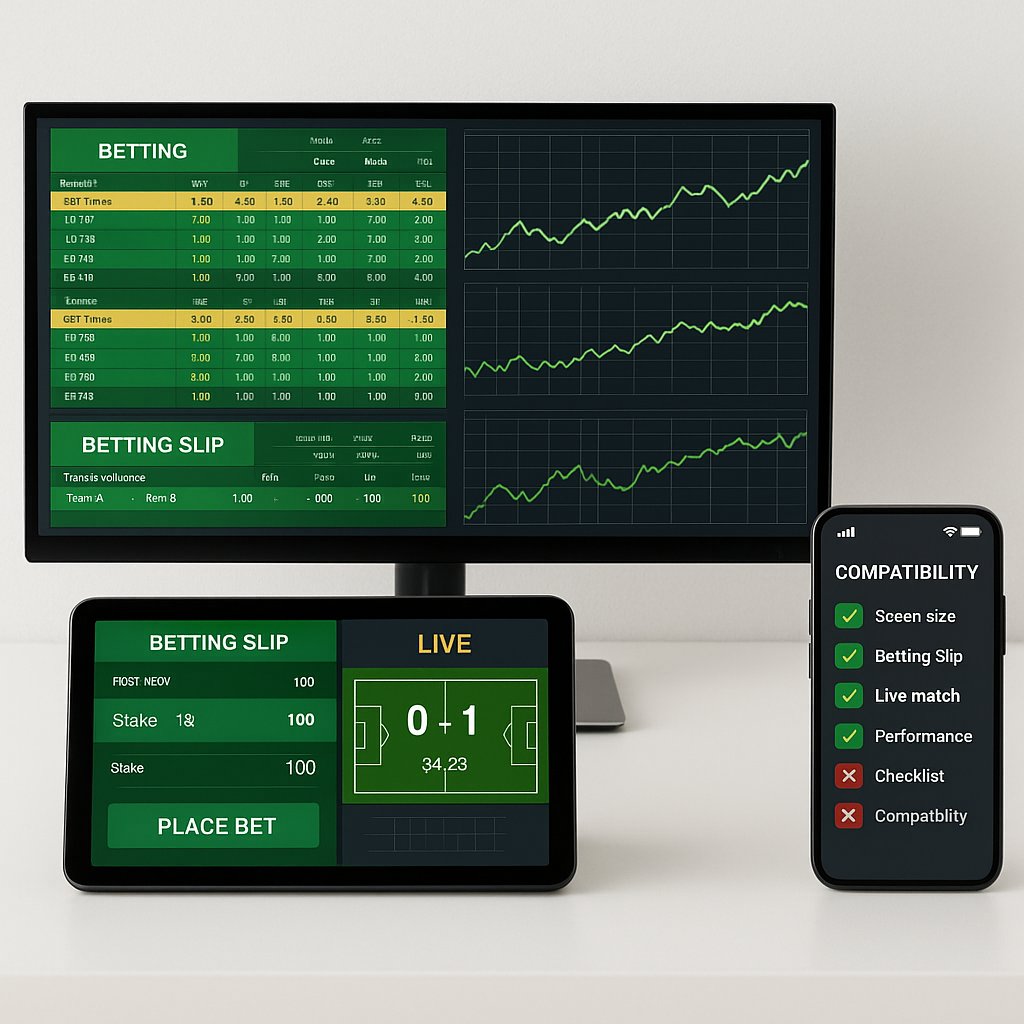
Modern sportsbooks and betting site operators build first for mobile, but every device family has a different role to play in your betting stack.
- Smartphones (primary device for most bettors)
Most legal U.S. and global sportsbetting apps prioritize iOS and Android. Top operators highlighted by major reviews (such as FanDuel, DraftKings, BetMGM, bet365, Caesars, and Fanatics) typically require a reasonably recent OS and hardware to run smoothly, especially during live betting and in-play odds shifts. - Tablets (best blend of portability and visibility)
Tablets run the same iOS/Android apps or mobile web versions but offer much more screen space. This helps when tracking multiple legs of a parlay, following live stats, or toggling between markets within a single match. - Desktops and laptops (research and multi-window workflows)
Almost every major betting site still offers a full browser interface. Desktop is ideal for comparing multiple sportsbooks in different tabs, reviewing historical stats, and using tools like Scoremon to monitor odds movement before locking in a bet or parlay. - Smart TVs and streaming devices (viewing, not primary betting)
Betting directly from a TV app is still rare and clunky. Instead, most bettors watch the game on TV while placing bets on a phone or tablet. The TV’s main compatibility question is whether it streams sports with minimal delay; extra lag can hurt in fast-moving live markets.
Operating Systems and Minimum Specs for Sportsbetting Apps
Most compatibility issues come down to operating system version and hardware age. Sportsbetting and online casino apps are constantly updated for security and geolocation, and older devices eventually fall behind.
- iOS (iPhone and iPad)
Modern sportsbook apps typically support recent iOS versions (often iOS 15 or newer, with best performance on current releases). Newer iPhones and iPads handle live streaming, in-play betting, and multi-leg bet builders with fewer crashes and less battery drain. Older devices may open the app but struggle with live odds updates or location checks. - Android phones and tablets
Android compatibility varies more because of manufacturer and skin differences. Leading apps generally support recent Android versions (often Android 10+), but reviews frequently mention issues on low-end devices: lag when submitting bets, screen freezes during high-traffic events, or problems with biometric login. If your Android device is more than four years old, expect slower performance on feature-rich apps such as BetMGM or DraftKings. - Windows and macOS (desktop browsers)
Most betting site web apps run on current versions of Chrome, Edge, Safari, and Firefox. The key specs are RAM and CPU for handling multiple tabs, live stat widgets, and streaming. A modern mid-range laptop is more than enough for simultaneous sportsbook browsing, odds comparison, and data tools. - Practical spec checklist
- OS at or near the latest stable version
- At least 3–4 GB RAM on mobile; 8 GB+ recommended on desktop
- Stable Wi‑Fi or 5G; weak connections cause errors at bet submission
- GPS/location services enabled and accurate for regulated markets
Before depositing, install your chosen sportsbook or online casino app and run through registration, navigation, and a mock bet to see if your device stutters or fails geolocation checks.
How Device Choice Changes Your Betting Experience
Different devices do more than change the screen size; they change how you bet and manage risk.
- Live betting and cash outs
Live odds move quickly. On a slow phone, you might see offers expire as you tap confirm. On a newer device, live bet tracking and quick cash-out features feel instantaneous, which matters when you are trying to lock in a profit or limit a loss. - Building complex parlays
Apps that emphasize parlay features (like stepped profit boosts or multi-leg builders) work best on devices with larger, sharper displays. A tablet or desktop browser makes it easier to see every leg, confirm lines, and avoid accidental duplicates. Some negative user reviews on betting apps specifically complain about glitches and repeated bets on slower devices. - Online casino play
Slots and table games are resource‑heavier than simple bet slips. On underpowered devices, reels can lag, and animations can stutter, which feels frustrating and can affect timing in interactive games. Modern phones and tablets handle online casino content more smoothly, especially when running multiple apps in the background. - Research and line shopping
Desktop or laptop is ideal for line shopping across multiple sportsbooks and reading analytical content. You can keep several betting site windows open while running tools like Scoremon to check pricing differences before you commit to a parlay or big single wager.
In practice, many serious bettors use a dual-device workflow: desktop for research and pre-game planning, plus a modern smartphone for in-play betting and quick reactions.
Practical Compatibility Checks Before You Deposit or Bet
Before you send money to any betting site or online casino and start building parlays, run a quick compatibility audit.
- Install and open the app, then complete registration
Confirm you can create an account, verify identity, and pass location checks without repeated errors. Compatibility problems show up fast here. - Test navigation during a busy sports window
Open the app during an NFL Sunday or a big soccer slate. Can your device switch between games, markets, and live odds without freezing or reloading every screen? - Build a mock parlay and edit the legs
Use the app’s parlay builder tools to add, remove, and adjust legs. On a good device, odds update smoothly, and the betslip remains responsive. On a borderline device, this process will feel slow or glitchy. - Try live betting and early cash out
Even with tiny stakes, this reveals how your device handles constant odds changes and server calls. If you see frequent “bet rejected” or “odds changed” messages, your connection or hardware may be too slow for aggressive in‑play betting. - Check battery drain and temperature
Some phones overheat quickly during extended sportsbetting sessions, especially if streaming and betting at the same time. If your device gets uncomfortably hot, consider reserving it for short sessions and using a more powerful tablet or laptop for longer stretches.
If your current hardware is clearly underpowered, upgrading before you commit serious bankroll can save frustration and reduce the risk of costly execution errors on live bets or complex parlays.
Choosing the Right Device Mix for Your Betting Style
Your ideal device setup depends on how you balance sportsbetting, online casino play, and general browsing.
- Casual bettor
If you mainly place a few straight bets on big games, a modern mid‑range smartphone with current iOS or Android is usually enough. Focus on stability and battery life, not top-tier specs. - Parlay‑focused or promo‑driven bettor
If you chase parlay boosts and complex multi-leg tickets, prioritize a tablet or larger phone with a sharp screen and strong processor. It makes it easier to audit every leg and track multiple games at once. - Multi‑sport, multi‑book user
Use a desktop or laptop as your main research station and odds comparison hub, with a smartphone as your live action console. This two‑screen approach mirrors how many advanced bettors work: one device for analysis, another for execution. - Casino‑first player
For heavy online casino play, pick hardware that excels at graphics and sustained performance: newer iPhones, flagship Androids, or mid‑to‑high-end tablets. They handle longer sessions of slots and live dealer streams without stutter.
When you are ready to put your devices to work, always test a trusted, regulated operator on each device before scaling up your stakes. If you want a starting point to evaluate both performance and features, you can register with a leading betting site via this secure link: visit this regulated betting site and test your devices in real time. Use small stakes at first to confirm that your phone, tablet, and desktop all handle deposits, live betting, and parlay building without glitches.
FAQ
Q: How can I quickly check if my phone is compatible with a sportsbook or casino app?
A: Visit the App Store or Google Play listing and check the required OS version and device specs. If the app installs without warnings, runs smoothly, and passes biometric/login tests, your phone is effectively compatible.
Q: Are older Android and iOS devices still good for live betting and in‑play casino games?
A: They can be, but performance depends on OS version and hardware. If your device is stuck on very old software, live odds and streaming may lag, and you’re usually better off updating or using the mobile browser on a newer device.
Q: Is it better to use a desktop or mobile device for online sports betting?
A: Desktops typically offer larger screens, more stable performance, and easier multi‑tab research and line shopping. Mobile devices are best when you need portability and fast in‑game bets, especially if the app is well‑optimized.
Q: Can I use a smart TV to place sports bets or play casino games?
A: Most smart TVs are best for viewing streams or odds dashboards, not full betting interfaces. Some platforms offer TV browser access, but navigation and input are usually clunky, so you’ll still want a phone, tablet, or laptop for actual wagering.
Q: What’s the best way to test a device before depositing real money?
A: Create an account, explore the lobby, and try free‑to‑play or demo games if available. Check loading times, live odds updates, cashier pages, and any streaming features to confirm everything runs smoothly on your device.